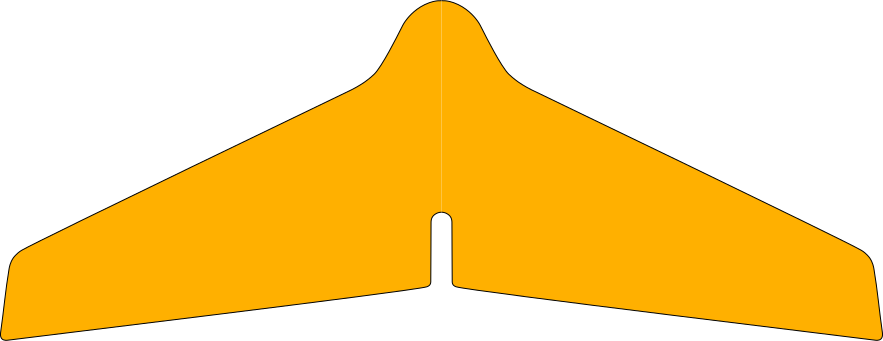
Tune planform, airfoil, controls, payload and printer-bed size in one model. WingWorks generates the printable airframe; you supply the electronics, then print, assemble and balance the aircraft.
The guest preview below is the real designer—not a mockup. On larger screens, change a parameter; on any screen, activate the viewport to orbit the model.
The actual product
Try the live designer.
The preview uses the same Three.js viewport, parameter controls and analysis code as a signed-in design. Part generation and export remain licence-gated.
Guest preview · change parameters, orbit the wing, inspect the analysisGeneration requires an eligible licensed account
01Parameters
Beginner or expert controls for geometry, airfoil, endplates, elevons, hardware and trim.
023D airframe
The wing, control surfaces, dimensions and red CG marker rebuild as values change.
03Analysis
Area, aspect ratio, neutral point, CG, loading, trim and stall update alongside the model.
One connected workflow
Design, cut, check, export.
During each design session, one parameter set drives the aerodynamic model and the printable geometry.
01
Shape and balance the airframe
Work in Beginner mode for coupled controls or switch to Expert for direct access to chord, taper, sweep, airfoil, washout, reflex and control-surface geometry.
Live 3D wing and dimensions
CG, neutral point and static margin
Material, payload and weight estimate
02
Generate parts that fit the printer
The licensed generator creates center and wing panels with separate elevons, plus endplates, top and bottom bay covers, and joiner pins where the geometry calls for them. Uploaded STL mounts can be fused into the airframe.
180–350 mm print-bed presets
Per-part dimensions and bed-fit warnings
Assembled and exploded part views
03
Run the flight check before export
The required lifting-line check reports GO, CAUTION or NO-GO from trim, stability and stall behaviour. Optional OpenFOAM CFD can refine the result where the service is enabled.
Root- or tip-first stall onset
Trim angle and lift coefficient
STL kits and faceted STEP solids
Built for classes too
Give students freedom without losing the constraints.
Teachers can define the design envelope while students keep a focused workspace and their own saved parameter sets.
Beginner / Expert
Choose a reduced control set or expose the full aerodynamic and print geometry.
Locks and limits
Fix a value or constrain its allowed range for a whole class or one student.
Shared hardware
Distribute class-specific STL mounts that appear locked in student designs.
Design review
Open student designs, inspect their parameters and make corrections from the teacher account.
Account access
Continue in WingWorks.
New accounts are reviewed before first sign-in. Printable-part generation requires the appropriate licence.
WingWorks
Parametric · Printable · FPV
Span –
AUW –
Standby
Viewport
Edges
Floor grid
Vignette
Isolines
Mode
01Flight goals
01Planform
02Section & Stability
03Endplates
02Print setup
04Airframe
05Hardware (STL)
03Electronics
06Trim & Balance
drag rotate · scroll zoom · right-drag pan · click mount select · G move · R rotate
✎ Student Design
All dimensions mm · verify CG before flight
Generating
3D preview unavailable
WebGL is disabled in this browser. The analysis, flight check and STL export still work — enable hardware acceleration to see the wing.
AFlight check
BGeometry
Wing area–
Aspect ratio–
Mean aero chord–
Neutral point–
CStability & balance
CG from nose–
CG (% MAC)–
Static margin–
Yaw (fin Vv · area)–
Fin Cn_β (real)–
Stall onset–
Trim (Cm=0)–
DWeight & loading
Airframe (print)–
All-up weight–
Wing loading–
Cruise speed–
Stall speed–
Max speed (approx.)–
Motor thrust (rec.)–
EPrint parts
Click Generate parts to cut the airframe into printable pieces.
GBuild notes
FFlight-check simulation
Generate parts, then click 🛫 Run flight-check to simulate before exporting.